
Photo to Coloring Page Converter

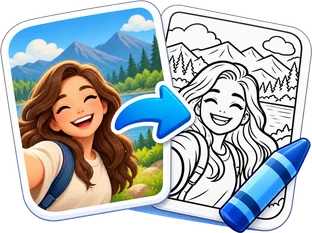
Turn a favorite photo into a printable coloring page. Choose an AI style for clean line art, or try free basic outlines on your device.

· Choose a style below

Image

Style

Real previews of one demo portrait in each style. Your photo can produce different details.

Output options

Remove background

Ask AI to keep only the main subject. Check the preview.

Resolution

Free outlines stay on your device. AI photos are privately stored and sent to OpenRouter. Nothing is added to a public gallery.

Sample photo → style preview
Original photo
Coloring page
Coloring pageOriginal photo

An AI-created demo photo and an actual preview of the selected style. Upload your own photo to make a new page.

Recent creations

Sign in to save and revisit your AI creations.

A photo to coloring page, made personal

The best coloring activity can start with a photo you already love: a child with a favorite toy, a family afternoon, or a pet with a familiar expression. Turn that moment into a page you can print, share at home and color in your own way.

How to turn a photo into a coloring page in 3 steps

Bring the photo. Pick the line style. Make something worth coloring.

  1. 1
    Upload your photo
    Upload your photo: Original

    Upload your photo

    Choose a clear JPG, PNG or WebP up to 5 MB. A well-lit subject with a simple background is a good starting point. Try the sample first if you want to explore without finding a photo.

  2. 2
    Find your coloring style: OriginalOriginal
    Find your coloring style: Coloring pageColoring page
    Find your coloring style

    Find your coloring style

    Try Book for open coloring spaces, Kawaii for playful shapes, or Mandala for decorative detail. AI styles cost 1 credit per successful result. Free basic outlines process on your device.

  3. 3
    Download, print and color: OriginalOriginal
    Download, print and color: Coloring pageColoring page
    Download imagePrint / Save PDF

    Download, print and color

    Compare the page with your original and enlarge it to check small details. Download the image, or choose Letter or A4 and open the print view to print or save as a PDF.

AI-created demonstration photos, converted with the tool’s image model. Examples are not customer submissions.

More ways to make a coloring page your own

Turn family moments into an afternoon activity: OriginalOriginal
Turn family moments into an afternoon activity: Coloring pageColoring page

Turn family moments into an afternoon activity

A familiar face makes a page feel different from a generic worksheet. Use a family photo for a rainy afternoon, a birthday table or a keepsake that everyone can color differently.

Start with a sharp photo and keep the main people clearly visible. AI redraws the image rather than tracing every pixel, so facial details and small objects may change. Check the full-size preview before printing a set.

Create a photo to coloring page
One photo. Different ways to draw the lines.: OriginalOriginal
One photo. Different ways to draw the lines.: Coloring pageColoring page

Book

Kawaii

Comic

Anime

One photo. Different ways to draw the lines.

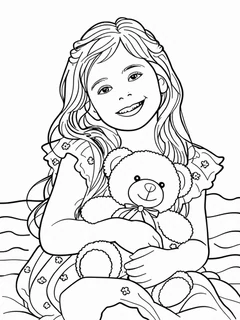
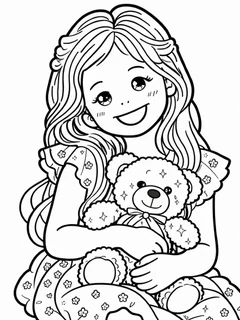
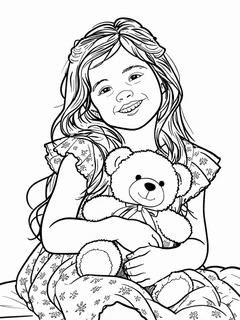
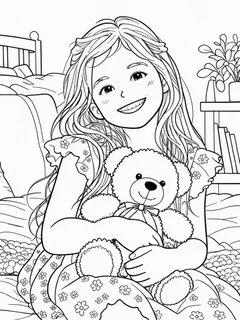
Choose bold, open outlines for crayons or a more decorative look for patient coloring. The actual thumbnail previews help you compare Book, Kawaii, Comic and Anime before you make a new result.

Architecture, landscapes and flowers can suit different levels of detail. A new style is a new AI generation and uses another credit; switching free local presets does not. Results depend on your source and can vary between runs.

Explore the coloring styles
Pages for little hands and a slower kind of break: Coloring page

Pages for little hands and a slower kind of break

Pets and toys give younger children a recognizable subject. Floral and Mandala-style pages offer smaller spaces and ornamental lines for older children and adults who enjoy a longer coloring session.

Print one finished page more than once without spending extra credits. AI results stay in your private account history for repeat downloads. Free local outlines stay on the current device, so save them before leaving the page.

Make your printable page

AI-created demonstration photos, converted with the tool’s image model. Examples are not customer submissions.

Photo to coloring page ideas for real life

Different subjects call for different line treatments. Explore six demo photos and their real conversions, then load an example to try its settings.

A favorite childhood portrait — Original
Original
A favorite childhood portrait — Coloring page
Coloring page

A favorite childhood portrait

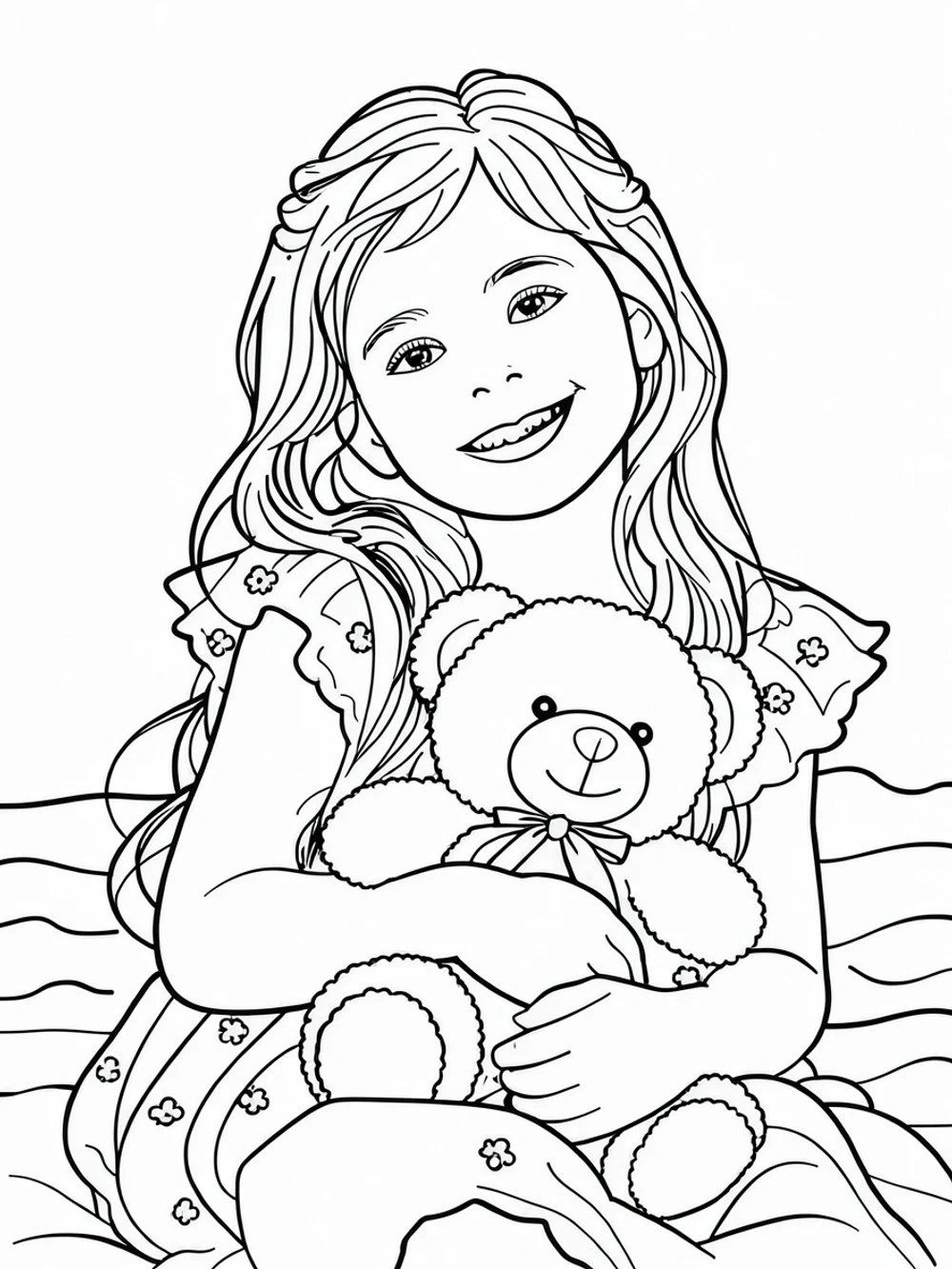
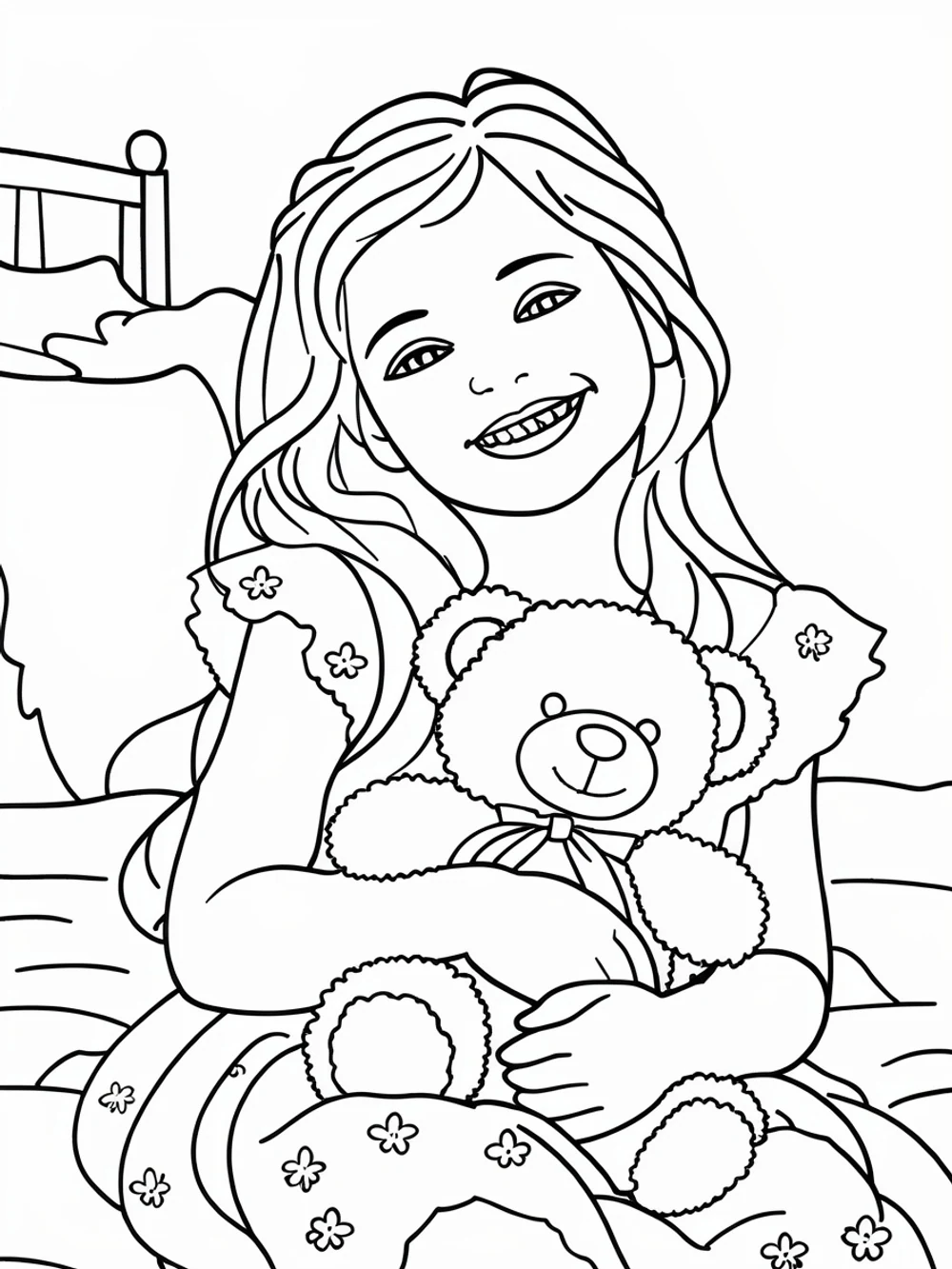
Book-style outlines turn a portrait and a much-loved teddy into open shapes for a quiet coloring afternoon.

Book 1K

Family moments to keep — Original
Original
Family moments to keep — Coloring page
Coloring page

Family moments to keep

Storybook lines make a mother-and-child picnic into a shared keepsake. Check faces and small details before printing.

Storybook 1K

Your pet, with a playful twist — Original
Original
Your pet, with a playful twist — Coloring page
Coloring page

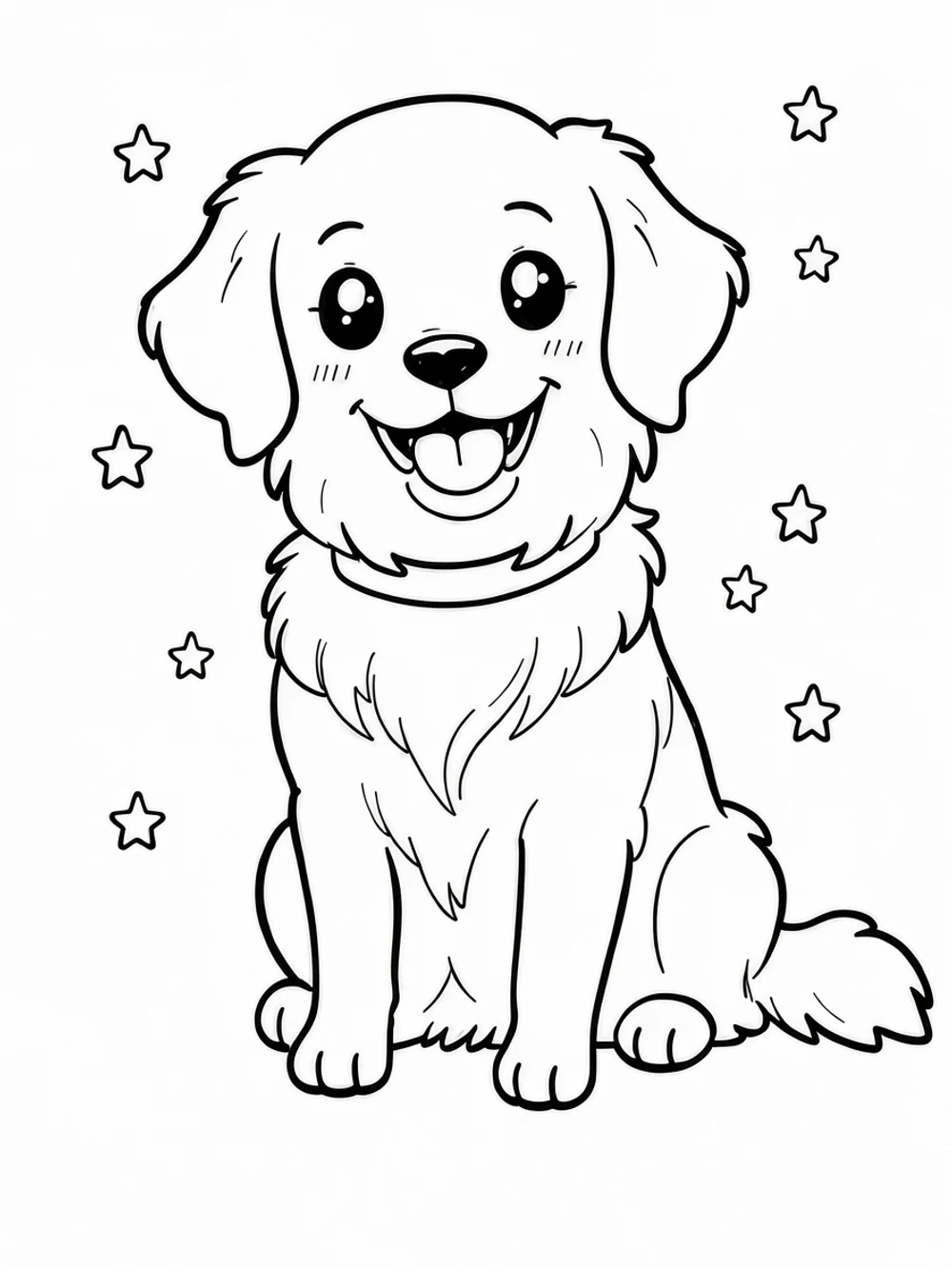
Your pet, with a playful twist

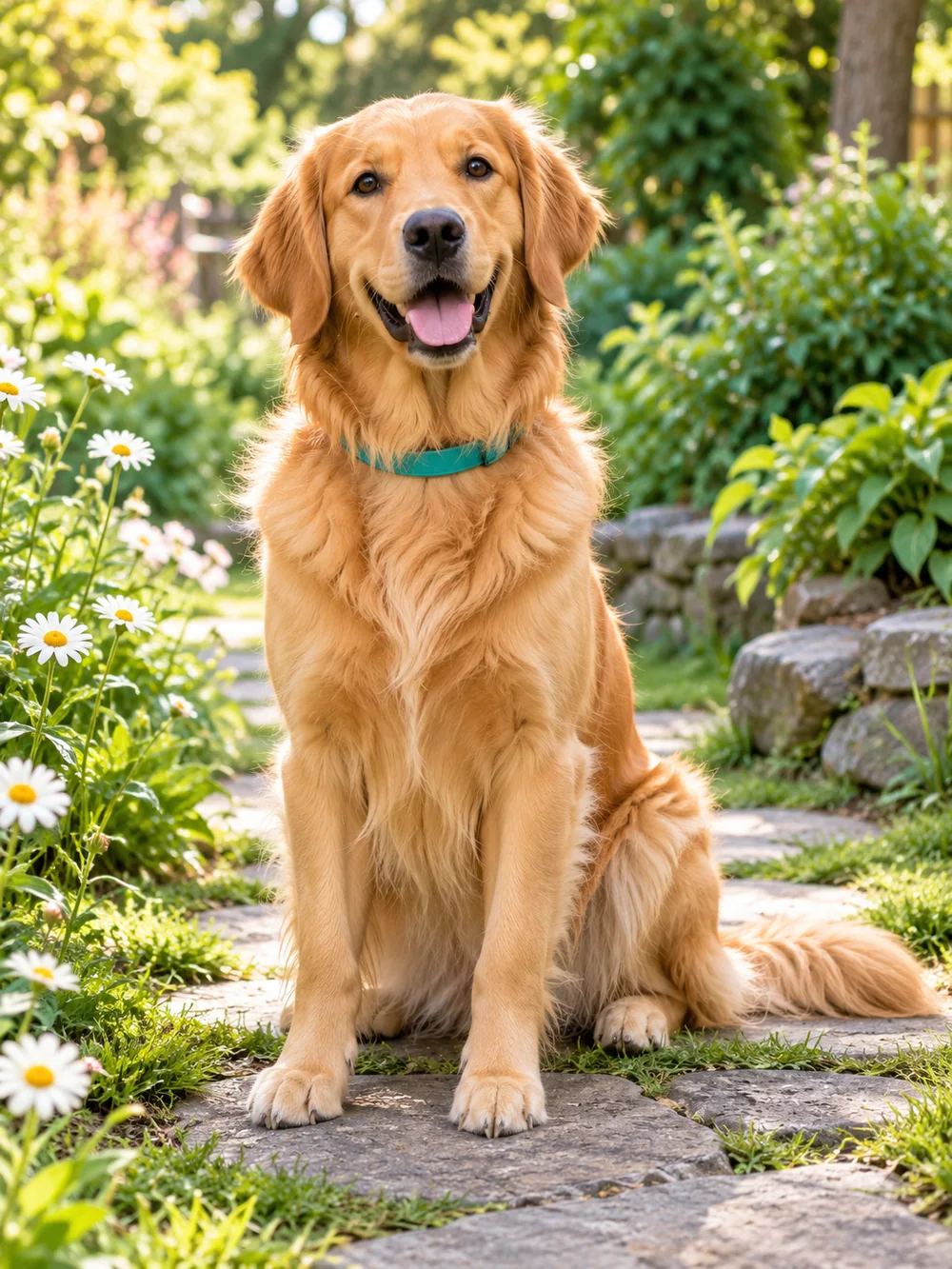
Kawaii changes a golden retriever into rounded, friendly shapes for children. Stylized proportions can differ from the photo.

Kawaii 1K

A little trip on paper — Original
Original
A little trip on paper — Coloring page
Coloring page

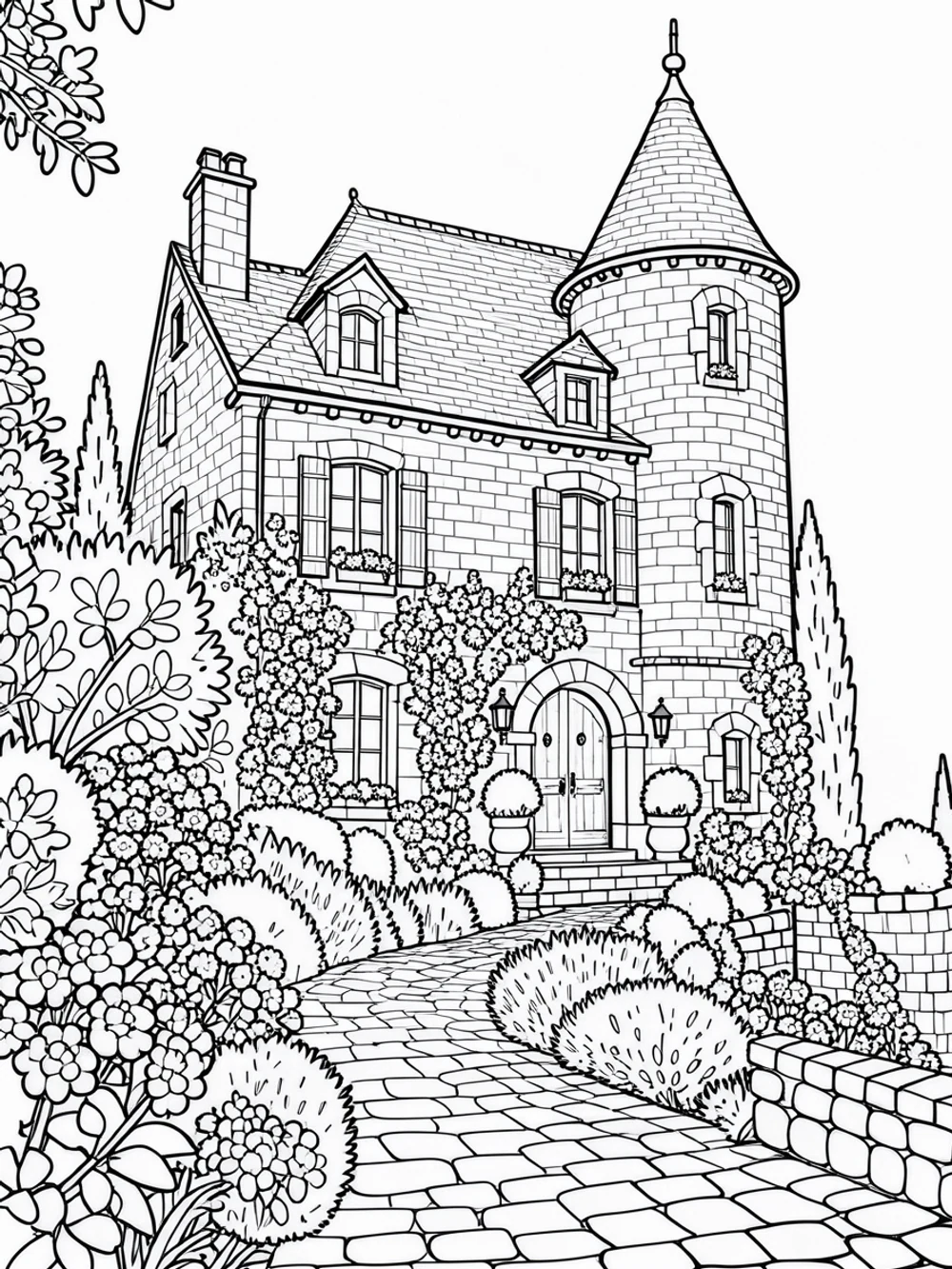
A little trip on paper

Use architecture as a drawing subject: buildings, windows and garden paths create an activity with a story to tell.

Book 1K

Flowers for a slower afternoon — Original
Original
Flowers for a slower afternoon — Coloring page
Coloring page

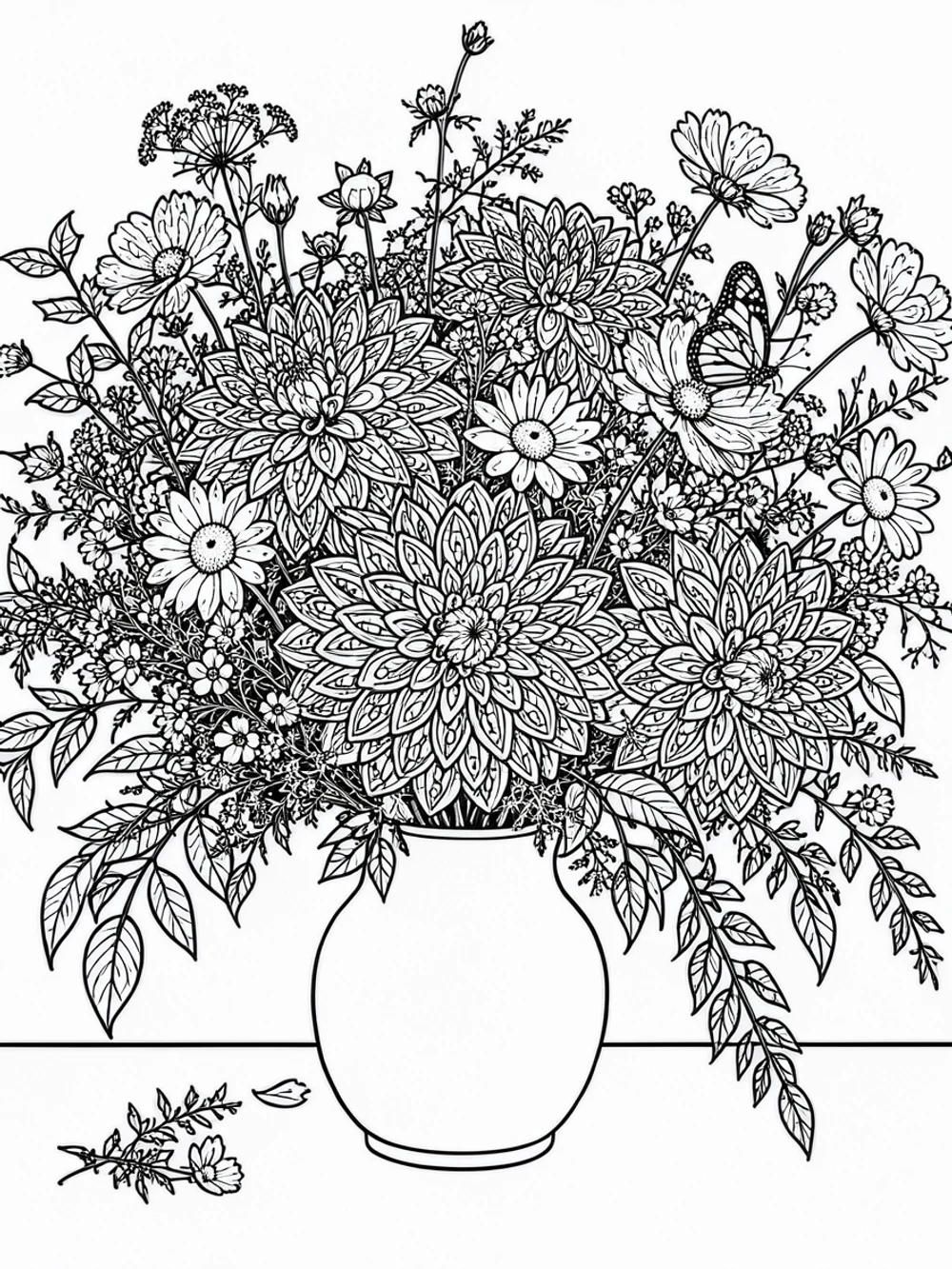
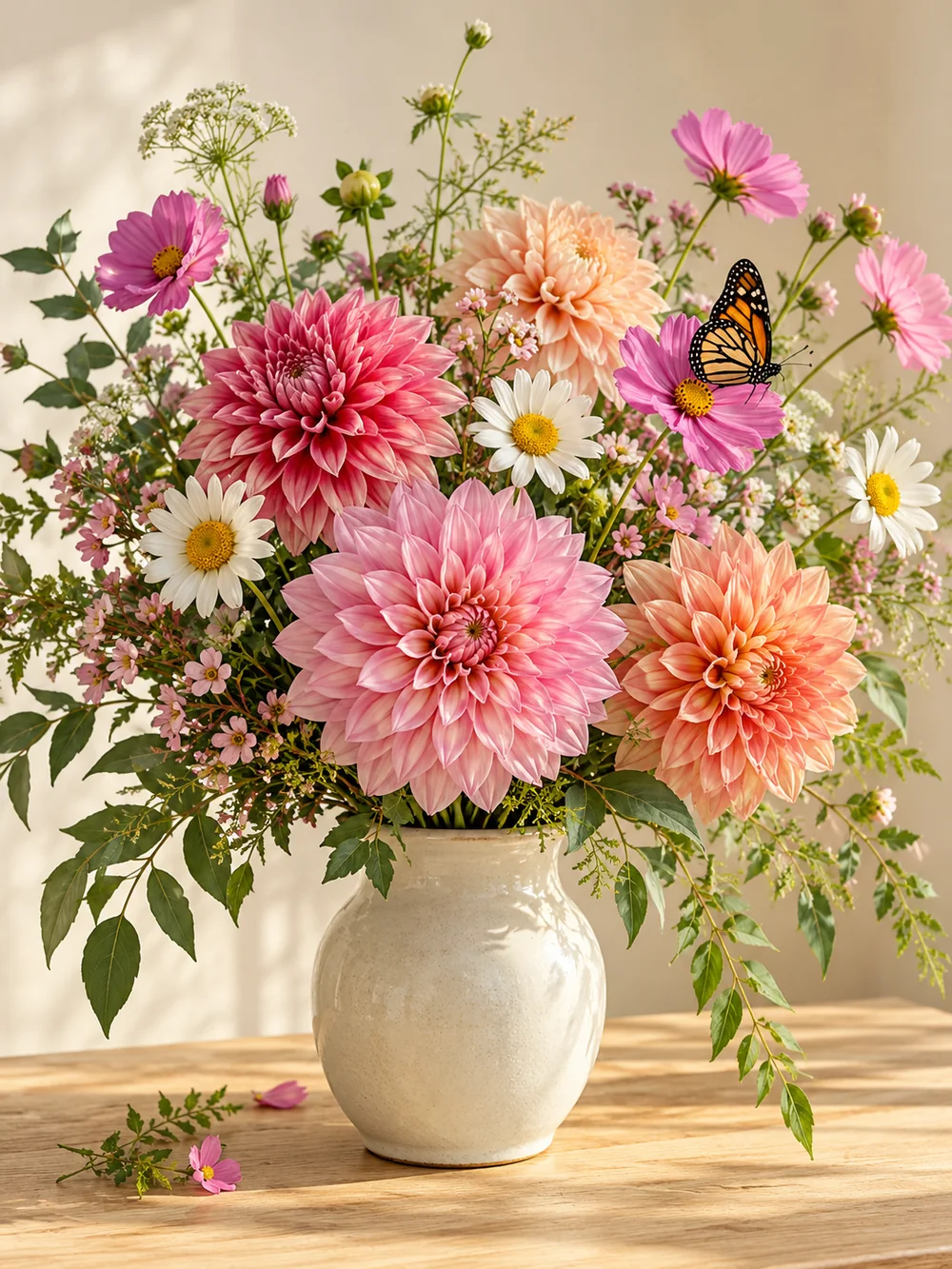
Flowers for a slower afternoon

Mandala-inspired floral details make smaller coloring spaces for adults or older children who enjoy intricate patterns.

Mandala 1K

A classroom transport theme — Original
Original
A classroom transport theme — Coloring page
Coloring page

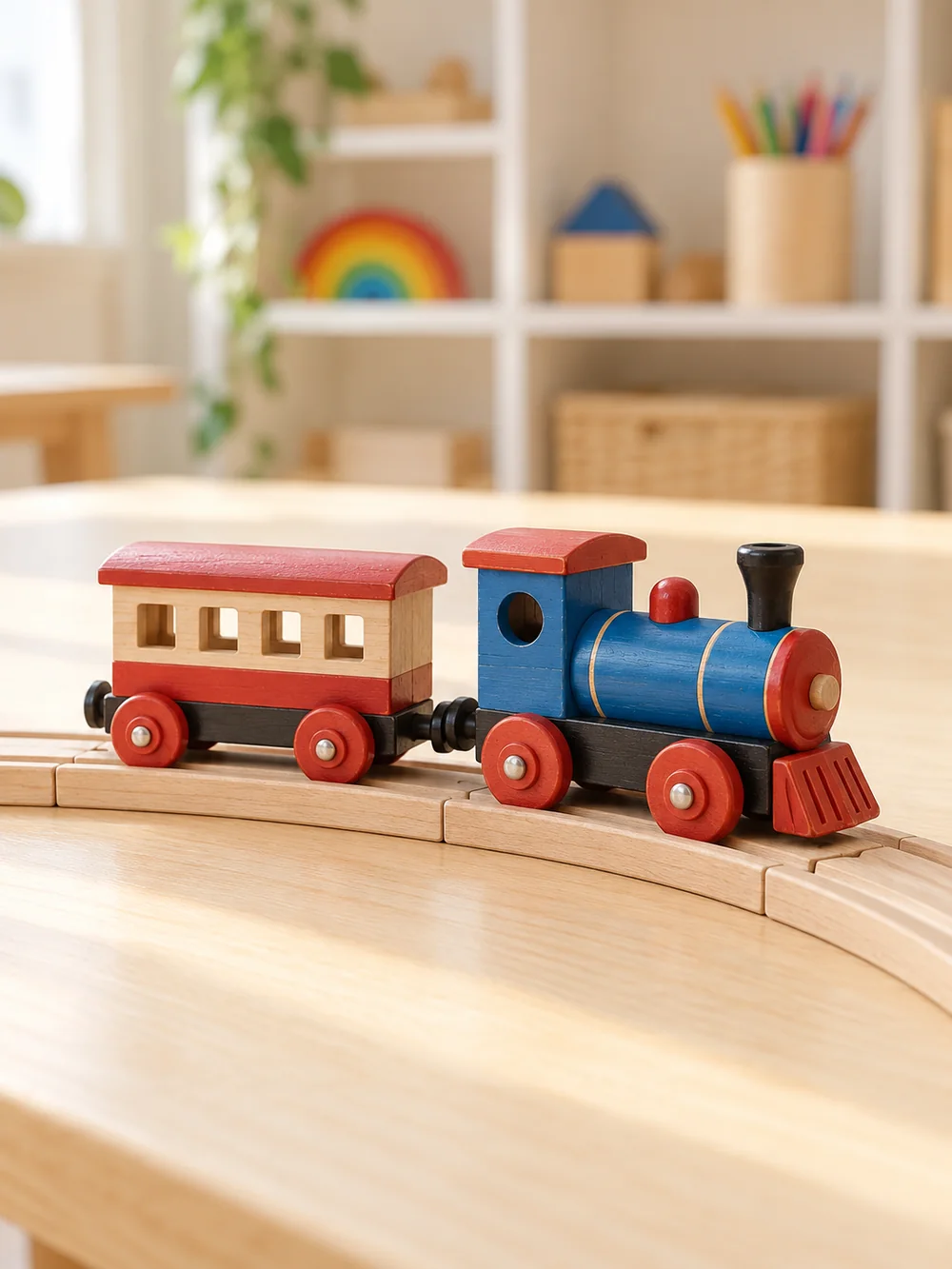
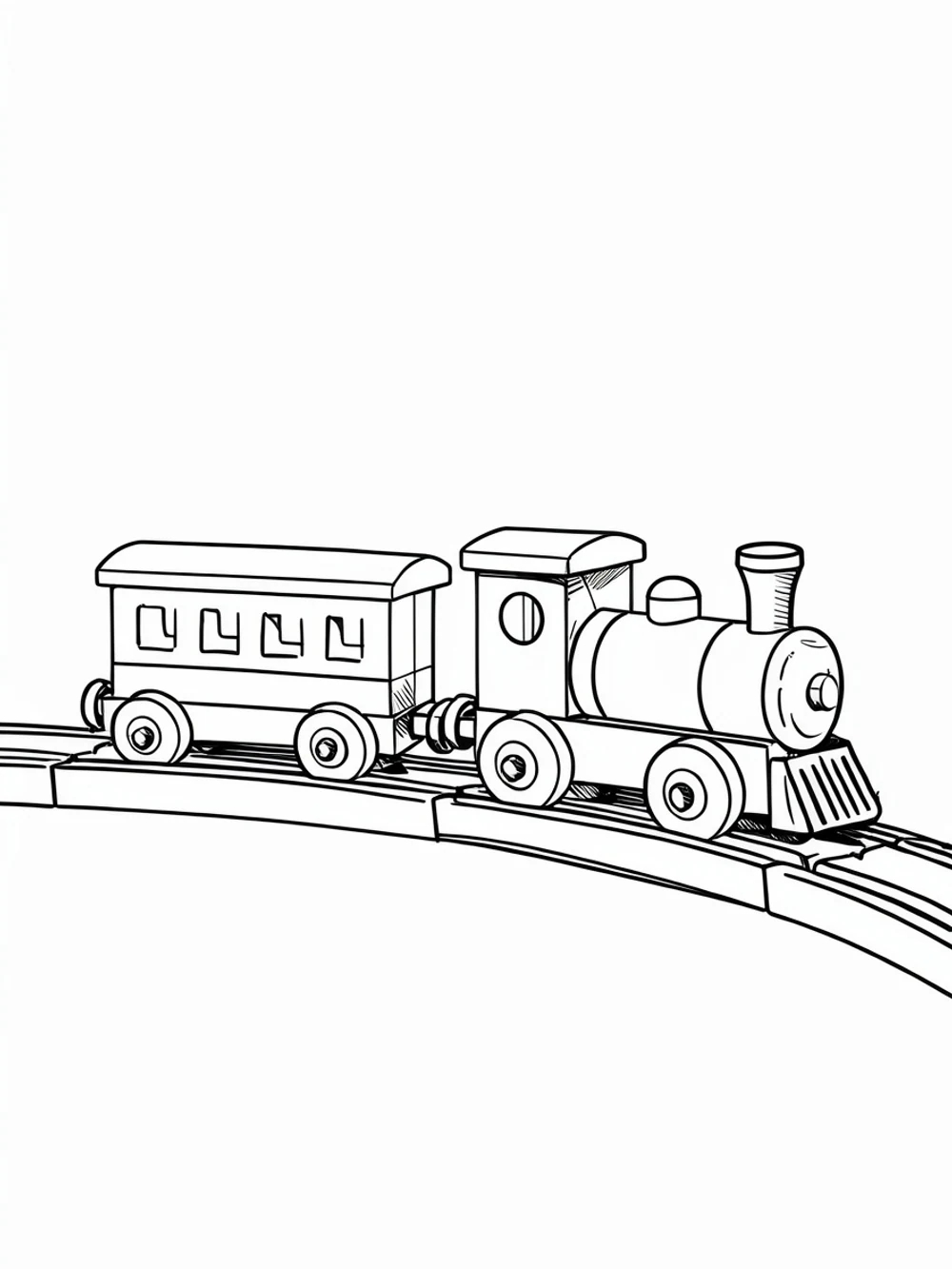
A classroom transport theme

Comic-style contours turn a toy train into a transport-themed page. Print copies for a lesson or a rainy-day activity.

Comic 1K

The input photos were created with AI. Each output was then converted with this tool’s image model at 1K. These are demonstration runs, not customer submissions or a promise that every photo will look the same.

What to expect — and what not to

The free outline tool traces edges rather than recognizing people or objects. Busy backgrounds may remain busy, and very fine facial features can disappear. Start with Classic, try Bold for simpler shapes, or choose an AI style to redraw a cluttered photo.

AI enhancement sends your photo to the AI model that generates the result. It keeps subjects and poses well, but it is a generative model — it can smooth small details. Preview before you print, and if a generation fails technically you are not charged.

Print quality follows your source photo. A sharp, well-lit photo produces clean lines; a dark or blurry photo produces broken ones. Check the preview at full size before printing a whole batch.

Free outlines. AI when you want more.

The basic photo to coloring page tool runs locally for free, without an account. AI styles use 1 credit per successful 1K or 2K result. Technical failures return reserved credits. Downloading or printing an existing result does not use another credit.

Compare plans and credit packs

Photo to coloring page FAQ

The questions people actually search before converting their first photo.

Create Your Photo to Coloring Page

Pick a photo, adjust the outline, print. The basic photo to coloring page tool is free — no account needed.

Create a Photo to Coloring Page